
 Video GIF Creator v1.0 macOS | 2.9 MB
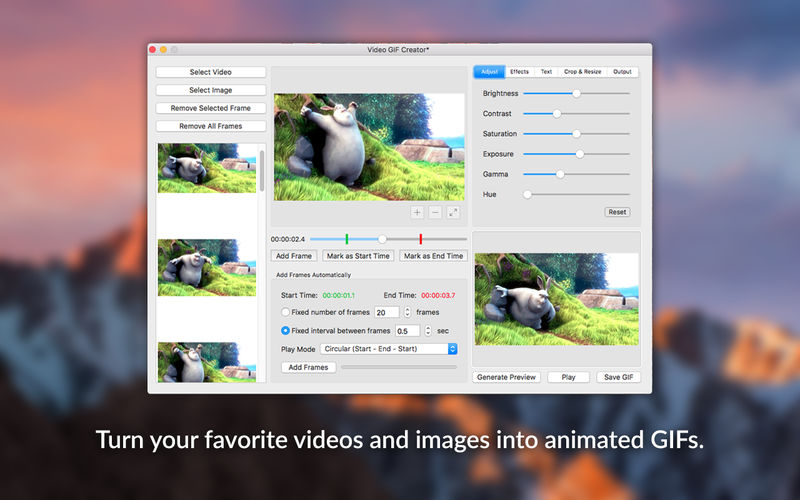
Video GIF Creator is the complete solution for converting videos and images to animated GIFs. Designed to satisfy the needs of both casual users and professional web designers and featuring an impressive set of editing options, Video GIF Creator gives you unlimited creative freedom when it comes to creating animated GIF images.
But here is what Video GIF Creator has to offer:
* Select any video/image from your hard drive
* Add the selected image to the new GIF
* Manually add any frame from the selected video to the new GIF
* Define a custom section of the selected video from which frames will be automatically extracted and added to the new GIF
* Define a fixed number of frames that will be automatically extracted
* Define a fixed time interval between the frames that will be automatically extracted
* Choose between a liniar (start - end) or circular (start - end - start) play style for the new GIF
* Adjust the following properties of the new GIF:
- Brightness (make the GIF darker or brighter)
- Exposure (change the exposure of the GIF)
- Contrast (change the contrast of the GIF)
- Saturation (increase or decrease the saturation level of the GIF)
- Gamma (change the gamma of the GIF)
- Hue (change the hue of the GIF)
* Apply the following artistic effects to the new GIF:
- Color Effects: Chrome, Fade, Instant, Mono, Noir, Process, Tonal, Transfer
- Cartoon (makes the GIF look like a cartoon)
- Sketch (makes the GIF look like a sketch)
- Vignette (makes the GIF darker around the edges)
* Add a text to the new GIF for which you can customise the following:
- Text (this is the text that will appear on the GIF)
- Text Color (change the color of your text)
- Font Type (choose from 20 types of hand-picked fonts)
- Font Size (change the font size of your text)
- Opacity (make your text more opaque or transparent)
- Shadow (make your text more visible by adding a shadow effect)
- Stroke (make your text more visible by adding a stroke effect)
- Position (you can choose between: Bottom Left, Bottom Right, Top Left, Top Right and Center)
- X Offset (for an exact horizontal positioning of your text)
- Y Offset (for an exact vertical positioning of your text)
* Automatically crop the new GIF to one of the following aspect ratios: 1:1, 4:3, 3:2, 16:9
* Manually crop the new GIF using either pixels or percents to define the crop area
* Resize the new GIF using percents or pixels
* Define the frame delay, loop count and color levels of the new GIF
* Supported image formats: JPG, JPEG, PNG, TIFF, TIF, GIF, BMP
* Supported video formats: MOV, M4V, MP4, 3GP, 3G2
Download uploaded
http://uploaded.net/file/2fqg0lr0/Video.GIF.Creator.v1.0.dmg
Download nitroflare
http://nitroflare.com/view/1B28CB7A5AC0C9D/Video.GIF.Creator.v1.0.dmg
Download 城通网盘
https://page88.ctfile.com/fs/7940988-218953746
下载地址:https://pan.baidu.com/s/1c2tm5iC
Video GIF Creator v1.0 macOS | 2.9 MB
Video GIF Creator is the complete solution for converting videos and images to animated GIFs. Designed to satisfy the needs of both casual users and professional web designers and featuring an impressive set of editing options, Video GIF Creator gives you unlimited creative freedom when it comes to creating animated GIF images.
But here is what Video GIF Creator has to offer:
* Select any video/image from your hard drive
* Add the selected image to the new GIF
* Manually add any frame from the selected video to the new GIF
* Define a custom section of the selected video from which frames will be automatically extracted and added to the new GIF
* Define a fixed number of frames that will be automatically extracted
* Define a fixed time interval between the frames that will be automatically extracted
* Choose between a liniar (start - end) or circular (start - end - start) play style for the new GIF
* Adjust the following properties of the new GIF:
- Brightness (make the GIF darker or brighter)
- Exposure (change the exposure of the GIF)
- Contrast (change the contrast of the GIF)
- Saturation (increase or decrease the saturation level of the GIF)
- Gamma (change the gamma of the GIF)
- Hue (change the hue of the GIF)
* Apply the following artistic effects to the new GIF:
- Color Effects: Chrome, Fade, Instant, Mono, Noir, Process, Tonal, Transfer
- Cartoon (makes the GIF look like a cartoon)
- Sketch (makes the GIF look like a sketch)
- Vignette (makes the GIF darker around the edges)
* Add a text to the new GIF for which you can customise the following:
- Text (this is the text that will appear on the GIF)
- Text Color (change the color of your text)
- Font Type (choose from 20 types of hand-picked fonts)
- Font Size (change the font size of your text)
- Opacity (make your text more opaque or transparent)
- Shadow (make your text more visible by adding a shadow effect)
- Stroke (make your text more visible by adding a stroke effect)
- Position (you can choose between: Bottom Left, Bottom Right, Top Left, Top Right and Center)
- X Offset (for an exact horizontal positioning of your text)
- Y Offset (for an exact vertical positioning of your text)
* Automatically crop the new GIF to one of the following aspect ratios: 1:1, 4:3, 3:2, 16:9
* Manually crop the new GIF using either pixels or percents to define the crop area
* Resize the new GIF using percents or pixels
* Define the frame delay, loop count and color levels of the new GIF
* Supported image formats: JPG, JPEG, PNG, TIFF, TIF, GIF, BMP
* Supported video formats: MOV, M4V, MP4, 3GP, 3G2
Download uploaded
http://uploaded.net/file/2fqg0lr0/Video.GIF.Creator.v1.0.dmg
Download nitroflare
http://nitroflare.com/view/1B28CB7A5AC0C9D/Video.GIF.Creator.v1.0.dmg
Download 城通网盘
https://page88.ctfile.com/fs/7940988-218953746
下载地址:https://pan.baidu.com/s/1c2tm5iC
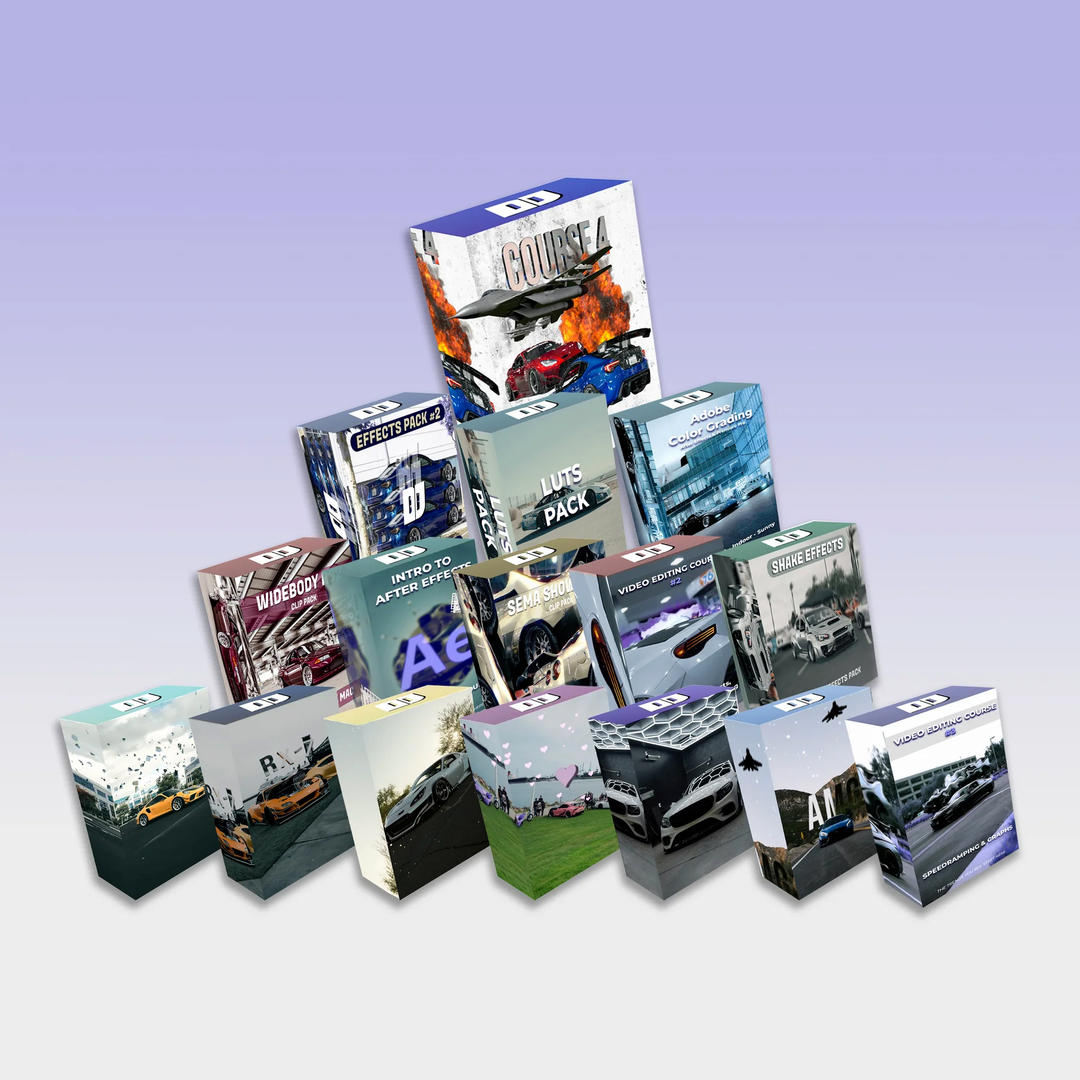
DJordanMedia The Complete Editing Course Bundle Pack
2025-11-11 23:09:34
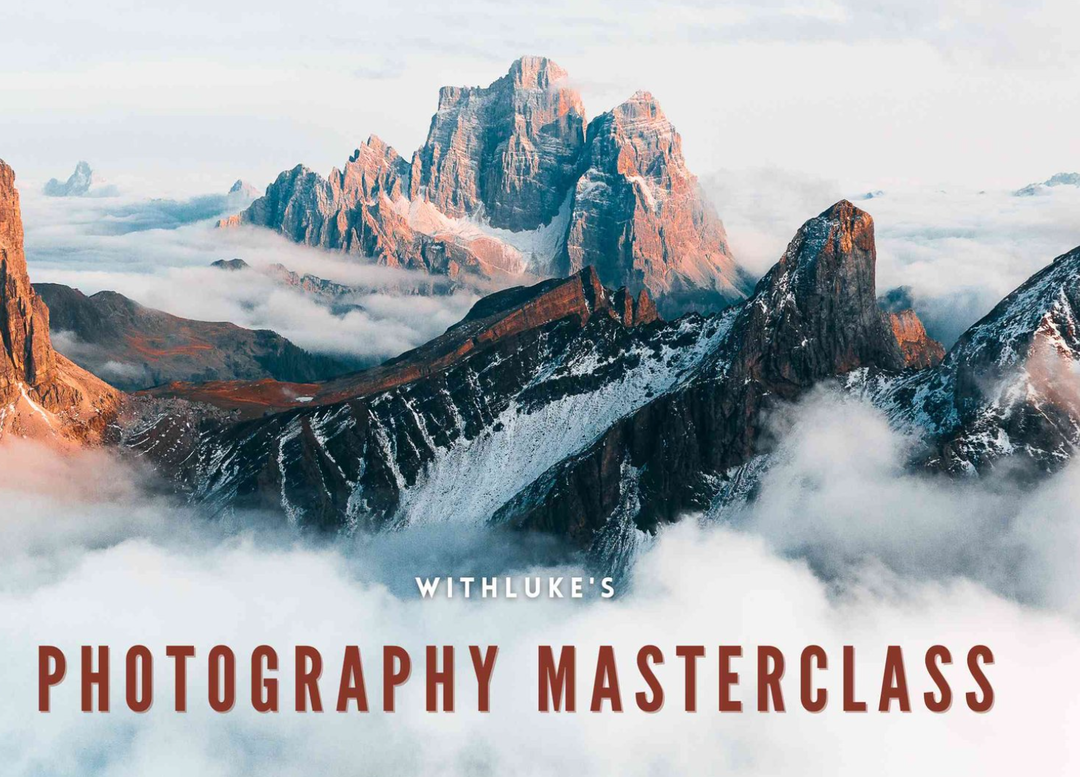
Luke Stackpoole – Photography Masterclass – Master The Art Of Photography
2025-11-11 18:14:10
77组电影外观Log/Rec709视频还原色彩分级调色Lut预设包Pixflow – Colorify Cinematic LUTs
2025-02-13 11:03:14
复古怀旧电影风格温暖色调索尼Sony S-Log3视频调色LUT预设ROMAN HENSE – LUTs 24 for Sony S-Log3
2025-02-13 11:01:09
JUAN MELARA – P6K2Alexa PowerGrade AND LUTs V2 GEN 5
2025-02-13 10:58:24
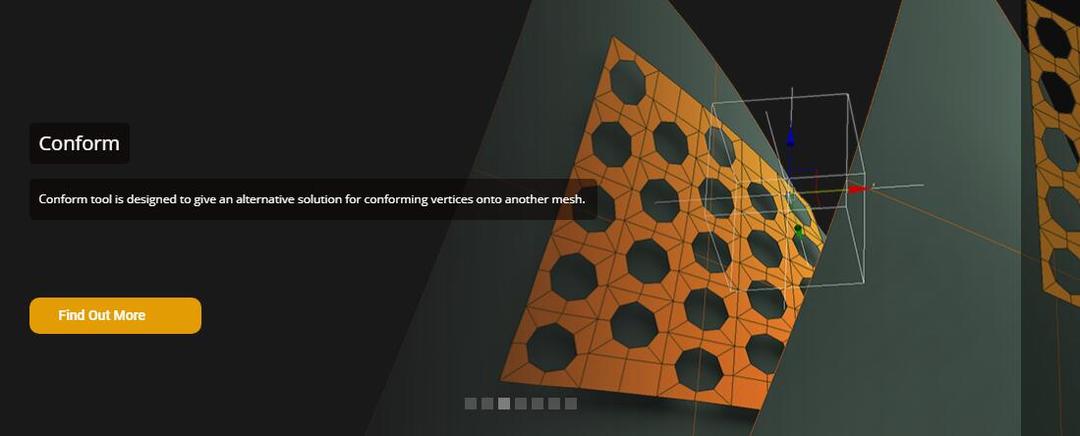
3DsMax建模插件集合:rapidTools v1.14+使用教程
2020-07-06 17:44:38
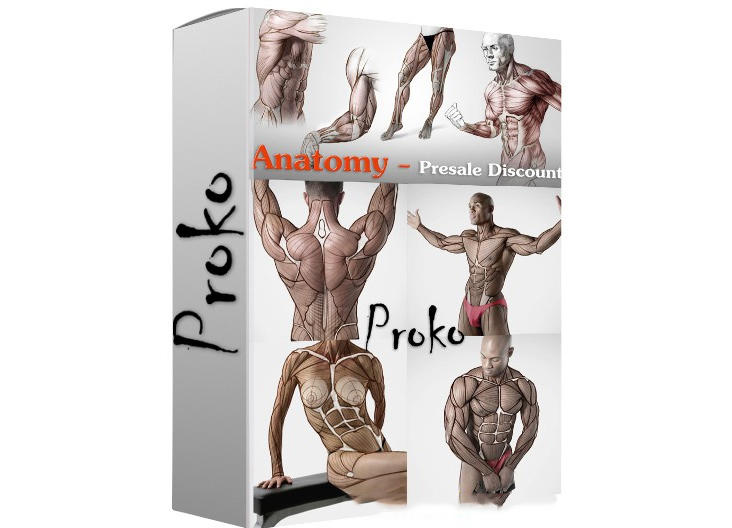
Proko-人体解剖高级付费版(中文字幕)256课
2020-12-21 18:34:01
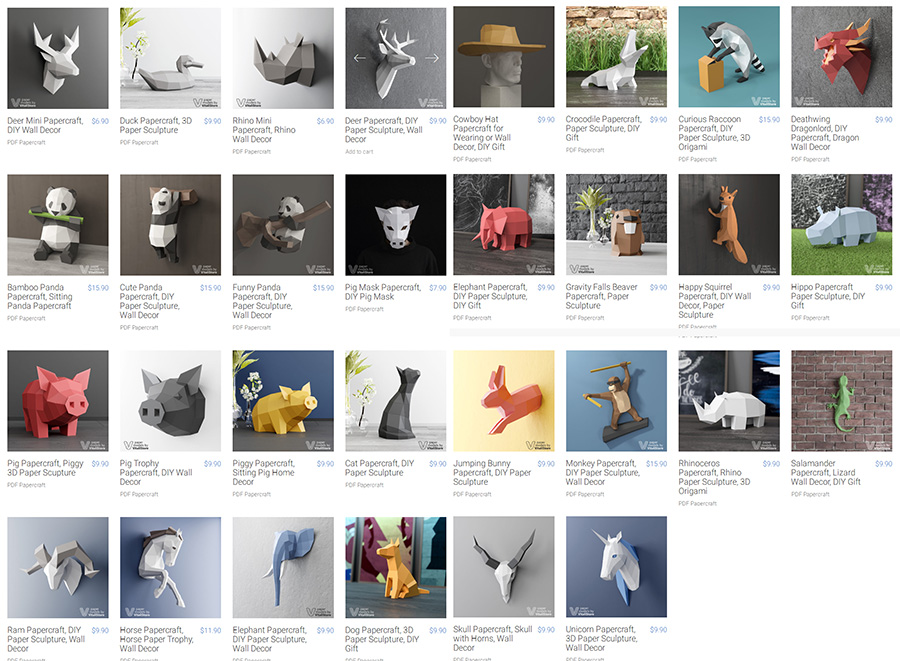
VitaliStore - All Design Bundle Papercraft Sculptures Design 动物纸模模型 纸模型雕塑设计
2020-07-21 17:18:14
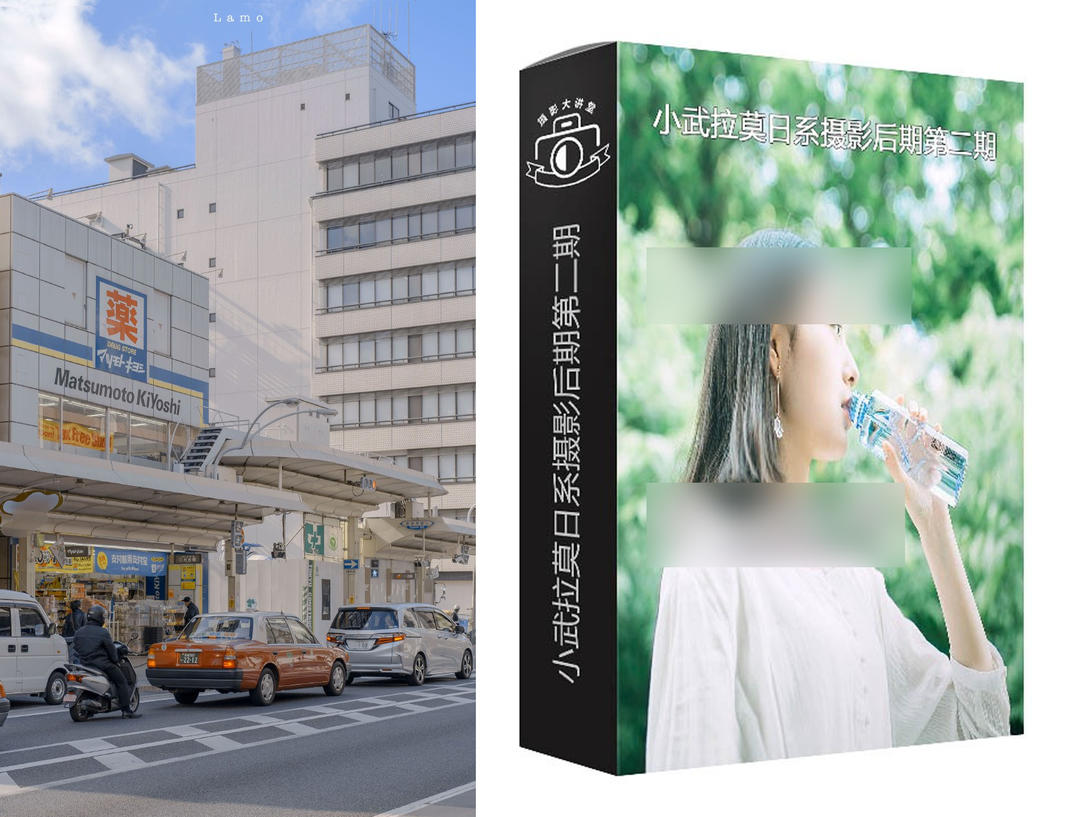
小武拉莫日系摄影后期第二期中文视频教程
2021-12-10 14:26:14
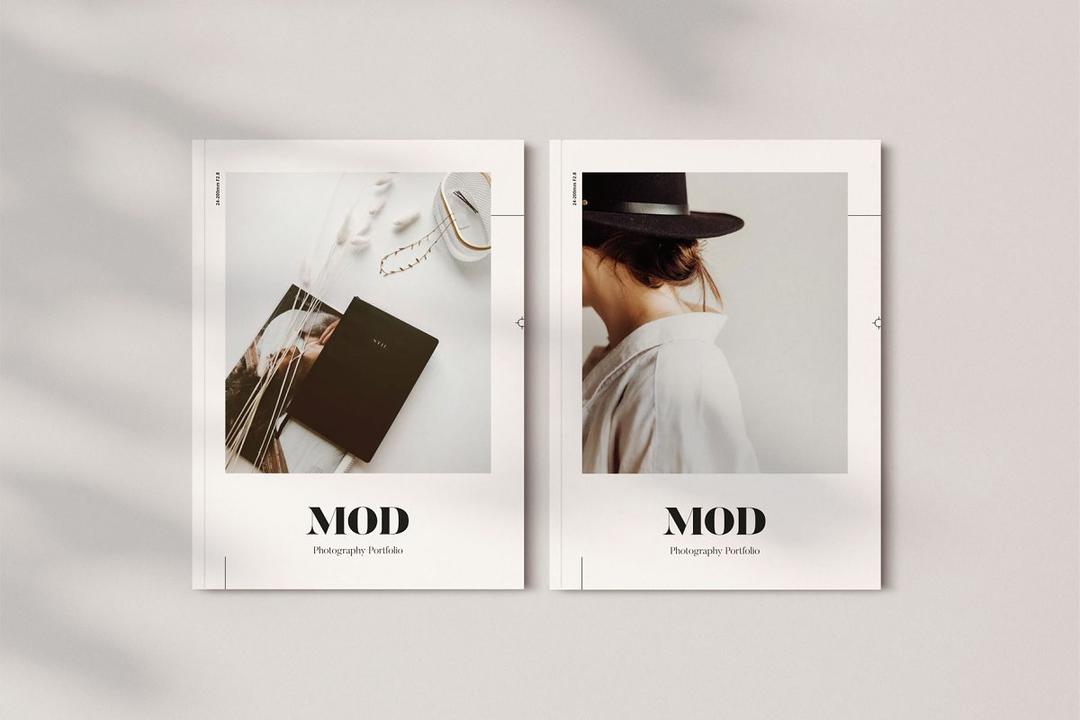
Mod Portfolio 3477506 画册模板 时尚杂志画册模版
2020-07-13 10:43:06
小武拉莫日系摄影后期第二期中文视频教程
2021-12-10 14:26:14
VitaliStore - All Design Bundle Papercraft Sculptures Design 动物纸模模型 纸模型雕塑设计
2020-07-21 17:18:14
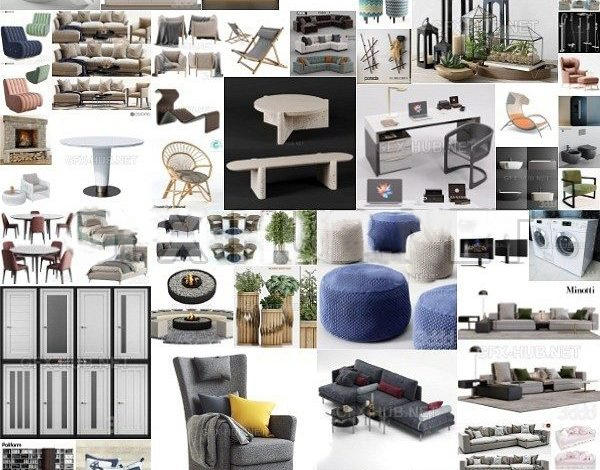
3DDD 3DSky PRO models – April 2021
2021-08-09 17:15:13
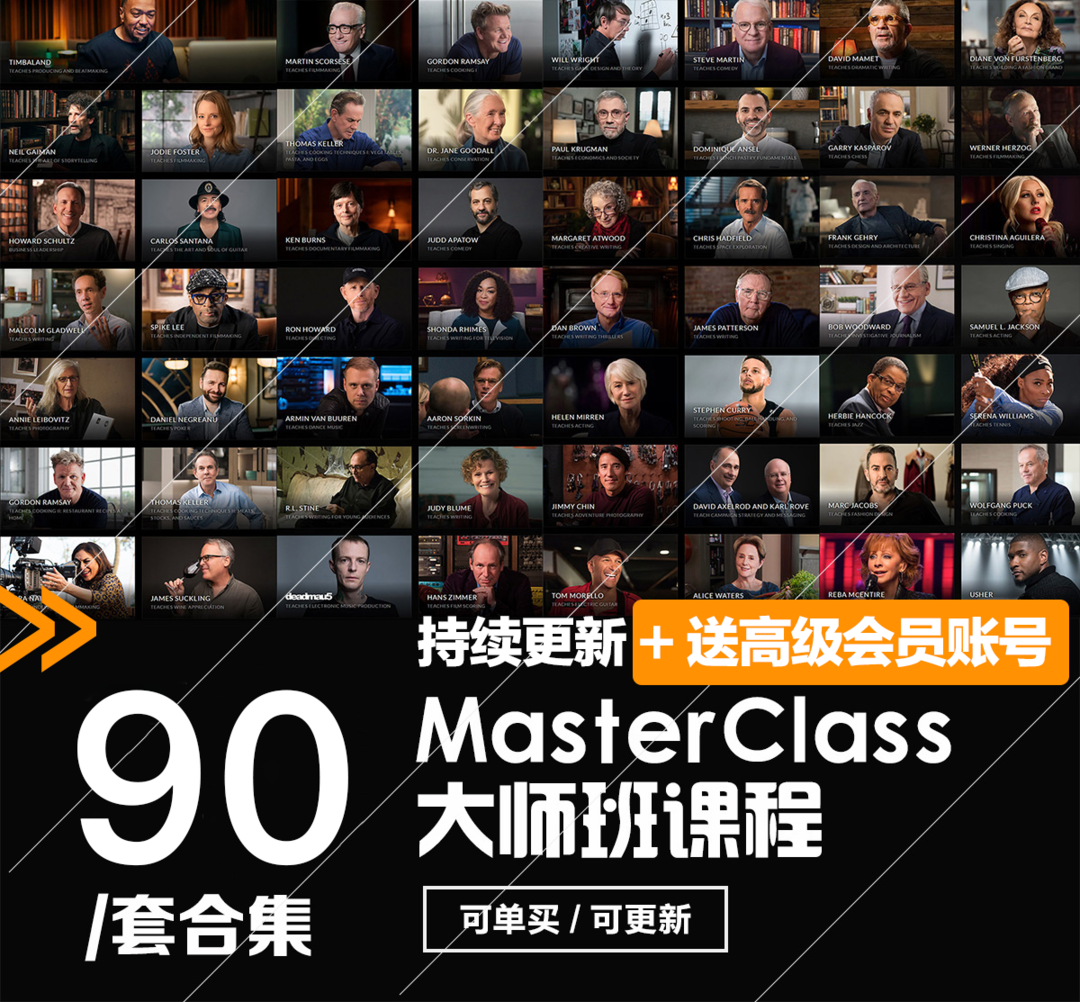
MasterClass 大师班课程84套合集+中文字幕+持续更新+赠品会员
2021-01-26 16:03:27
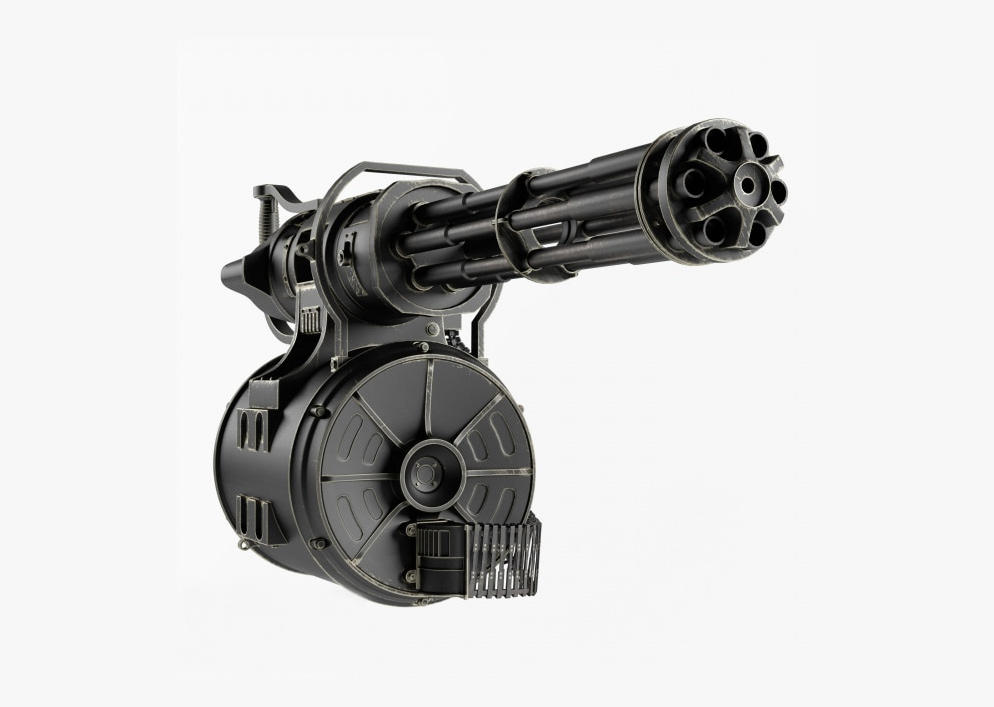
加特林机枪模型 加特林机关枪 Minigun Hi-Poly
2019-07-31 11:06:07
评论(0)