


 DESIGN RULES: Principles + Practices for Great UI Design
Understand the critical rules for designing on small screens and mobile devices
Know how to effectively organize and economize visual information
Understand + apply the principle of Balance to create visual order
Understand + apply the principle of Rhythm to establish and reinforce comprehension
Understand + apply the principle of Harmony to shape disparate UI elements into a unified, consistent experience
Understand + apply the principle of Dominance to direct user focus and enhance UX
Understand + apply the principle of Alignment to lead the user's eye and speed task completion
Understand + apply the principle of Proximity to signal relationships between screen elements and decrease users' cognitive effort
Communicate with color, typography and imagery in the UI
Understand how color communicates and influences interaction
Know how to choose the right colors for any UI design
Know how to apply contrast properly to guide users and call attention to critical UI elements and interactions
Know how to determine whether or not color and contrast are appropriate
Understand the fundamentals of typography as a design element
Know how to choose the right fonts and design appropriately with them
Understand + apply 7 crucial rules for great typographic design
Understand + apply 5 rules for choosing the right imagery
Understand + apply a core set of DOs and DON'Ts when designing with images
Know how to create and simplify visual cues that direct user focus and interaction
Understand the 3 kinds of data visualizations used in UI design
Understand how the context of the data presented determines its visual form
Understand + apply 6 rules for great data design
Know how to simplify visual information to clarify meaning and improve UX
Know how to visually separate content from controls to make interactions easier for users to understand and act on
Walk away with a set of "18 UI Design Mantras" that you can apply to anything and everything you ever design!
要求
No prior knowledge required; general familiarity with User Interface (UI) Design is helpful, though.
说明
When it comes to User Interface (UI) design, your job — whether you're a designer, developer, UXer or a mix of all those things — is to make sure that no aspect of someone’s onscreen interaction happens without explicit intent. The UI design choices we make have to reflect the user’s motivations, expectations, environment and possible actions.
All of those things manifest themselves in the User Interface — so what people see on the screen is usually the sum of their understanding about what this is and how it works.
So what we show them has to do a hell of a job communicating what’s there for them, how it’s organized, how they get to it and what they can do with it once they do.
The principles, practices and real-world techniques I'm going to show you here are the same ones that have informed graphic design for hundreds of years. And while that may sound like blasphemy to some of you, I guarantee you'll see why and how they apply equally to the world of digital design — especially for mobile devices and their small screens.
I'm going to give you 50 lessons packed with timeless, ironclad, unchanging rules for good UI design that you can apply to anything and everything you ever work on. Trends will come and go, and it won't matter: your UI will still be useful, usable, appropriate and relevant for its users.
You'll learn how to make it easier for people to interact with what they see on the screen – whether they know what to tap, swipe or click, and whether what happens meets their expectations and moves them closer to their goals. You'll learn how to create and apply hierarchy, color, contrast, typography and gestalt principles to design appropriate visual cues so people know where and how to take action.
I'll show you how to make good visual decisions for even the most challenging applications, from simplifying complex visual information to designing with data. My goal with this course is to give you everything you need to know to make great UI design decisions, no matter what the content, context or product may be.
From this point forward, you'll be equipped to make strategic, impactful User Interface designs that communicate, guide, encourage, motivate and educate. Anything else is decoration, and decoration has a very short shelf life.
By the time you finish Design Rules, you'll be able to do much more than create a more beautiful User Interface. Instead, you'll be able to design a UI that truly works for the people who use it. One that it allows them to easily figure out where to start and how to get what they need — quickly, efficiently and intuitively.
Of course, it'll also just happen to be beautiful ;-)
此课程面向哪些人:
Print and Digital Designers, Web and App Developers and anyone looking to take their UI work to the next level!
DESIGN RULES: Principles + Practices for Great UI Design
Understand the critical rules for designing on small screens and mobile devices
Know how to effectively organize and economize visual information
Understand + apply the principle of Balance to create visual order
Understand + apply the principle of Rhythm to establish and reinforce comprehension
Understand + apply the principle of Harmony to shape disparate UI elements into a unified, consistent experience
Understand + apply the principle of Dominance to direct user focus and enhance UX
Understand + apply the principle of Alignment to lead the user's eye and speed task completion
Understand + apply the principle of Proximity to signal relationships between screen elements and decrease users' cognitive effort
Communicate with color, typography and imagery in the UI
Understand how color communicates and influences interaction
Know how to choose the right colors for any UI design
Know how to apply contrast properly to guide users and call attention to critical UI elements and interactions
Know how to determine whether or not color and contrast are appropriate
Understand the fundamentals of typography as a design element
Know how to choose the right fonts and design appropriately with them
Understand + apply 7 crucial rules for great typographic design
Understand + apply 5 rules for choosing the right imagery
Understand + apply a core set of DOs and DON'Ts when designing with images
Know how to create and simplify visual cues that direct user focus and interaction
Understand the 3 kinds of data visualizations used in UI design
Understand how the context of the data presented determines its visual form
Understand + apply 6 rules for great data design
Know how to simplify visual information to clarify meaning and improve UX
Know how to visually separate content from controls to make interactions easier for users to understand and act on
Walk away with a set of "18 UI Design Mantras" that you can apply to anything and everything you ever design!
要求
No prior knowledge required; general familiarity with User Interface (UI) Design is helpful, though.
说明
When it comes to User Interface (UI) design, your job — whether you're a designer, developer, UXer or a mix of all those things — is to make sure that no aspect of someone’s onscreen interaction happens without explicit intent. The UI design choices we make have to reflect the user’s motivations, expectations, environment and possible actions.
All of those things manifest themselves in the User Interface — so what people see on the screen is usually the sum of their understanding about what this is and how it works.
So what we show them has to do a hell of a job communicating what’s there for them, how it’s organized, how they get to it and what they can do with it once they do.
The principles, practices and real-world techniques I'm going to show you here are the same ones that have informed graphic design for hundreds of years. And while that may sound like blasphemy to some of you, I guarantee you'll see why and how they apply equally to the world of digital design — especially for mobile devices and their small screens.
I'm going to give you 50 lessons packed with timeless, ironclad, unchanging rules for good UI design that you can apply to anything and everything you ever work on. Trends will come and go, and it won't matter: your UI will still be useful, usable, appropriate and relevant for its users.
You'll learn how to make it easier for people to interact with what they see on the screen – whether they know what to tap, swipe or click, and whether what happens meets their expectations and moves them closer to their goals. You'll learn how to create and apply hierarchy, color, contrast, typography and gestalt principles to design appropriate visual cues so people know where and how to take action.
I'll show you how to make good visual decisions for even the most challenging applications, from simplifying complex visual information to designing with data. My goal with this course is to give you everything you need to know to make great UI design decisions, no matter what the content, context or product may be.
From this point forward, you'll be equipped to make strategic, impactful User Interface designs that communicate, guide, encourage, motivate and educate. Anything else is decoration, and decoration has a very short shelf life.
By the time you finish Design Rules, you'll be able to do much more than create a more beautiful User Interface. Instead, you'll be able to design a UI that truly works for the people who use it. One that it allows them to easily figure out where to start and how to get what they need — quickly, efficiently and intuitively.
Of course, it'll also just happen to be beautiful ;-)
此课程面向哪些人:
Print and Digital Designers, Web and App Developers and anyone looking to take their UI work to the next level!
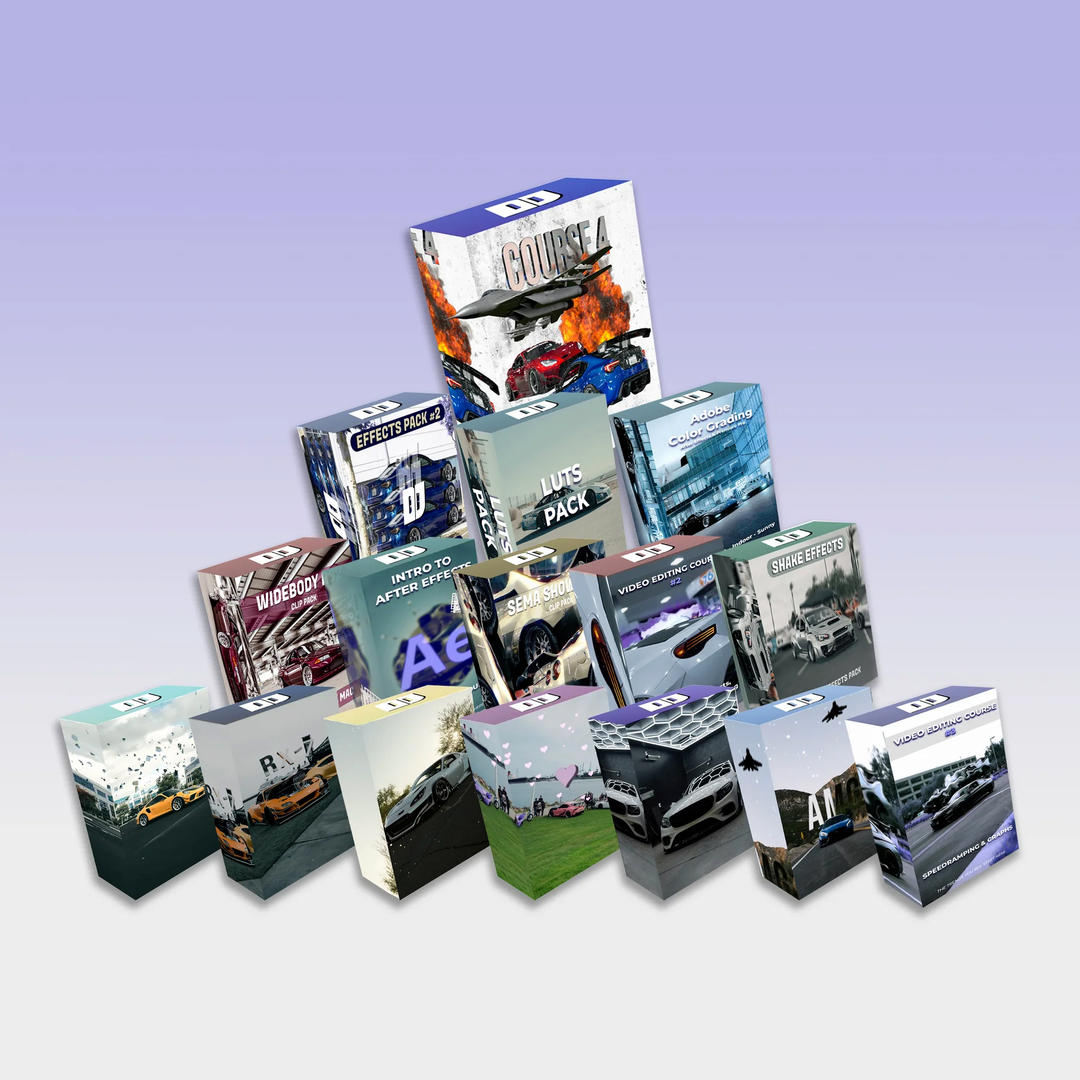


DJordanMedia The Complete Editing Course Bundle Pack
2025-11-11 23:09:34
Luke Stackpoole – Photography Masterclass – Master The Art Of Photography
2025-11-11 18:14:10
77组电影外观Log/Rec709视频还原色彩分级调色Lut预设包Pixflow – Colorify Cinematic LUTs
2025-02-13 11:03:14

复古怀旧电影风格温暖色调索尼Sony S-Log3视频调色LUT预设ROMAN HENSE – LUTs 24 for Sony S-Log3
2025-02-13 11:01:09
JUAN MELARA – P6K2Alexa PowerGrade AND LUTs V2 GEN 5
2025-02-13 10:58:24

3DsMax建模插件集合:rapidTools v1.14+使用教程
2020-07-06 17:44:38
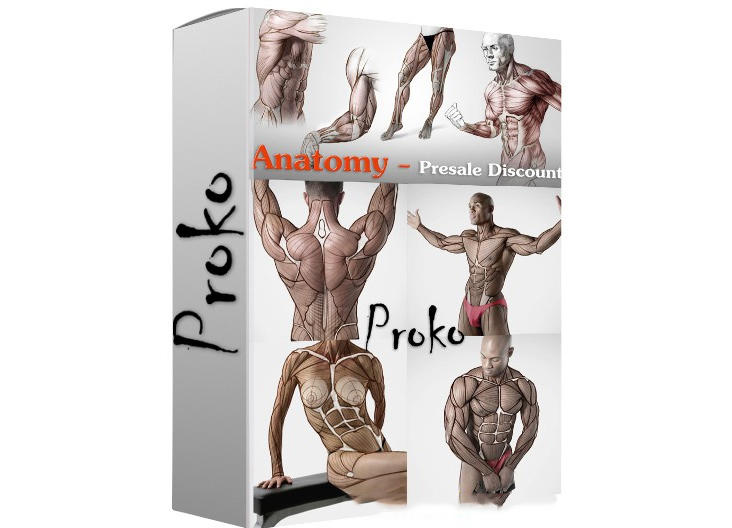
Proko-人体解剖高级付费版(中文字幕)256课
2020-12-21 18:34:01
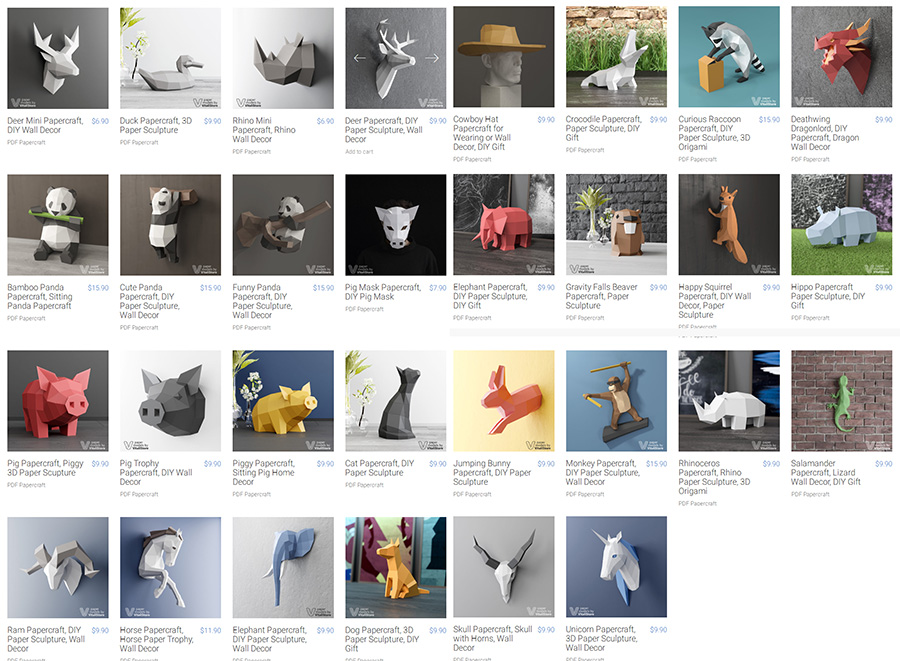
VitaliStore - All Design Bundle Papercraft Sculptures Design 动物纸模模型 纸模型雕塑设计
2020-07-21 17:18:14

小武拉莫日系摄影后期第二期中文视频教程
2021-12-10 14:26:14
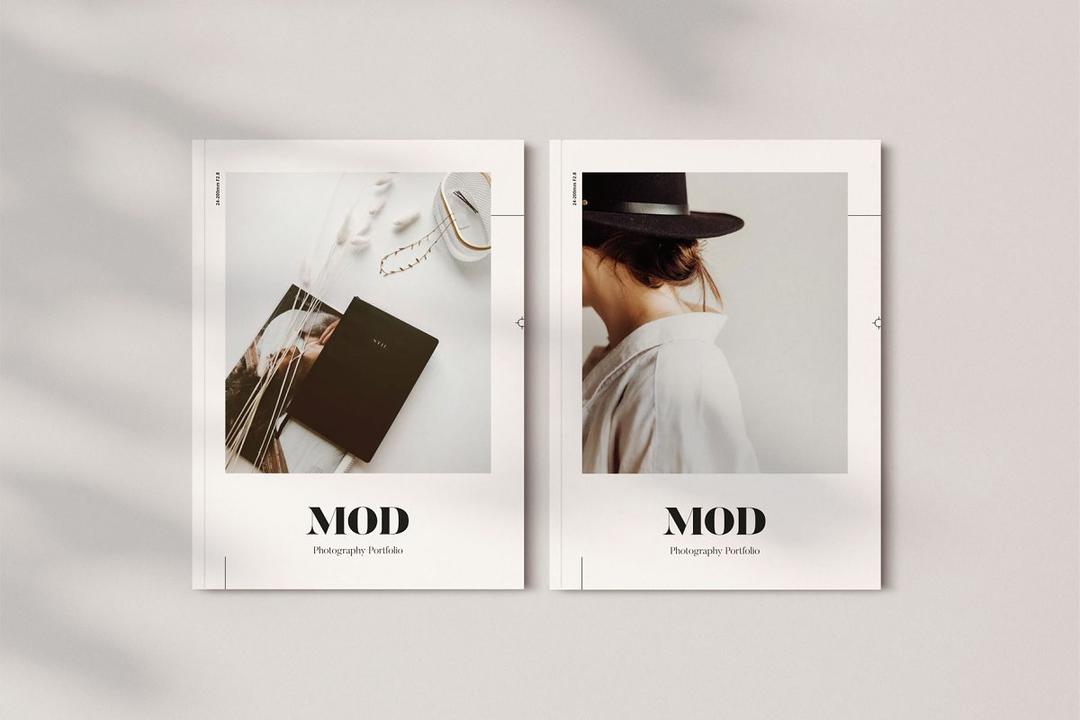
Mod Portfolio 3477506 画册模板 时尚杂志画册模版
2020-07-13 10:43:06
小武拉莫日系摄影后期第二期中文视频教程
2021-12-10 14:26:14
VitaliStore - All Design Bundle Papercraft Sculptures Design 动物纸模模型 纸模型雕塑设计
2020-07-21 17:18:14

3DDD 3DSky PRO models – April 2021
2021-08-09 17:15:13

MasterClass 大师班课程84套合集+中文字幕+持续更新+赠品会员
2021-01-26 16:03:27

加特林机枪模型 加特林机关枪 Minigun Hi-Poly
2019-07-31 11:06:07

评论(0)